Zones
🔴
Red Zone
🔵
Blue Zone
🟡
Special Zone
Terrain Features
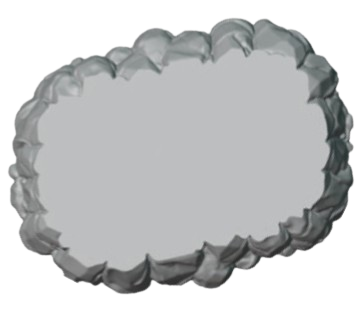
Hill (8"×6")
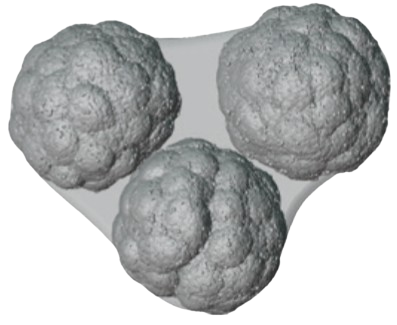
Forest (10"×7")
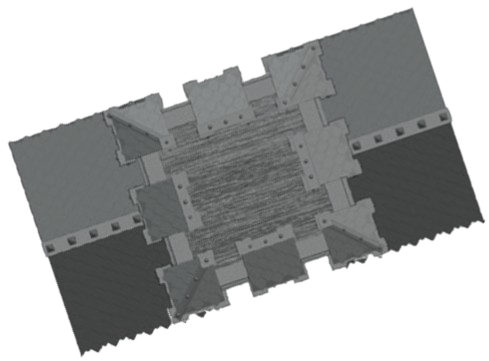
Building (6"×5")
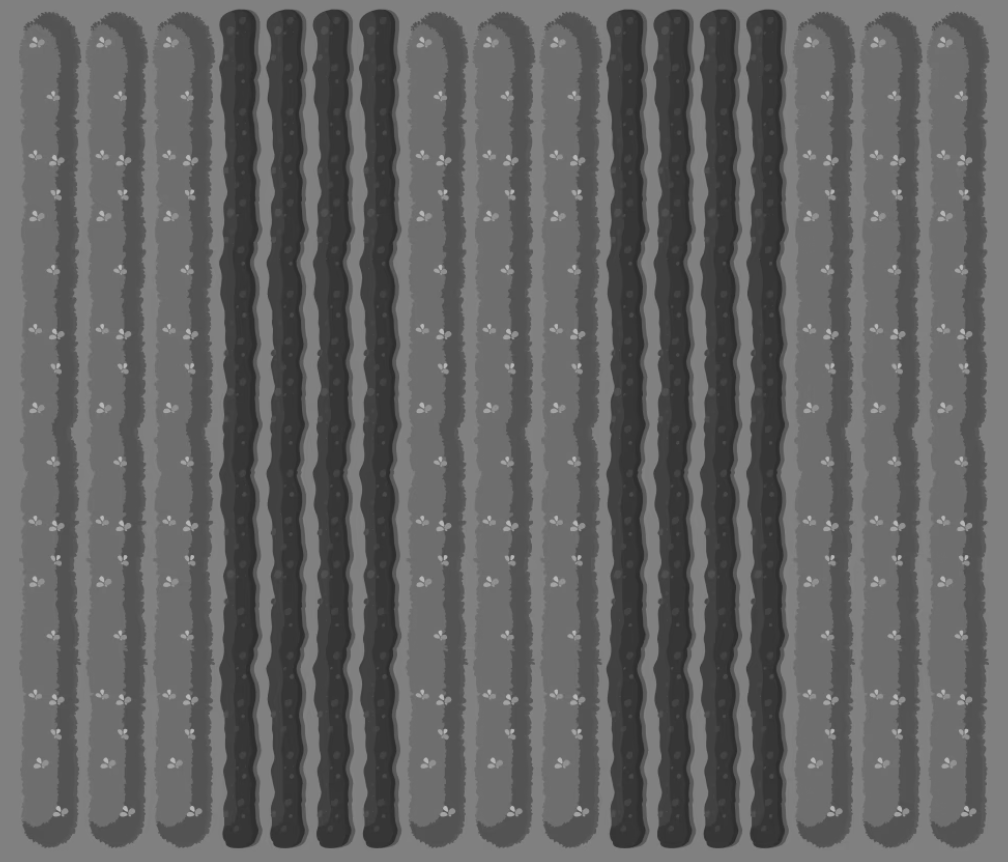
Field (7"×7")
Table: 72" × 48"
Scale: 15px = 1"
Scale: 15px = 1"
Tools
📏
Measure Tool
📝
Text Tool
💾
Export Image
Instructions
Instructions:
• Click icon to place terrain
• Drag terrain to move
• Click terrain to select
• Press Delete to remove
Measure Tool:
• Click to activate
• Drag at least 1" to create
• Drag text to reposition
• Drag endpoints to resize
• Click measure to select
• Delete to remove
Text Tool:
• Click to activate
• Click table to place
• Type to add text
• Drag to move
• Drag corners to resize
Export Image:
• Click to export table
• Saves as 2160×1440 PNG
• All elements included
Deployment Zones:
• Click zone color to place
• Drag zone to move
• Drag corners to resize
Special Zone:
• Yellow circle (max 18")
• Drag corners to resize
• Click icon to place terrain
• Drag terrain to move
• Click terrain to select
• Press Delete to remove
Measure Tool:
• Click to activate
• Drag at least 1" to create
• Drag text to reposition
• Drag endpoints to resize
• Click measure to select
• Delete to remove
Text Tool:
• Click to activate
• Click table to place
• Type to add text
• Drag to move
• Drag corners to resize
Export Image:
• Click to export table
• Saves as 2160×1440 PNG
• All elements included
Deployment Zones:
• Click zone color to place
• Drag zone to move
• Drag corners to resize
Special Zone:
• Yellow circle (max 18")
• Drag corners to resize